Hi Guys, Welcome to Proto Coders Point. In this Flutter Article, will learn how to validate a password field in flutter so that we can make user to enter a strong password while filling a form in flutter app.
Flutter Password Validation
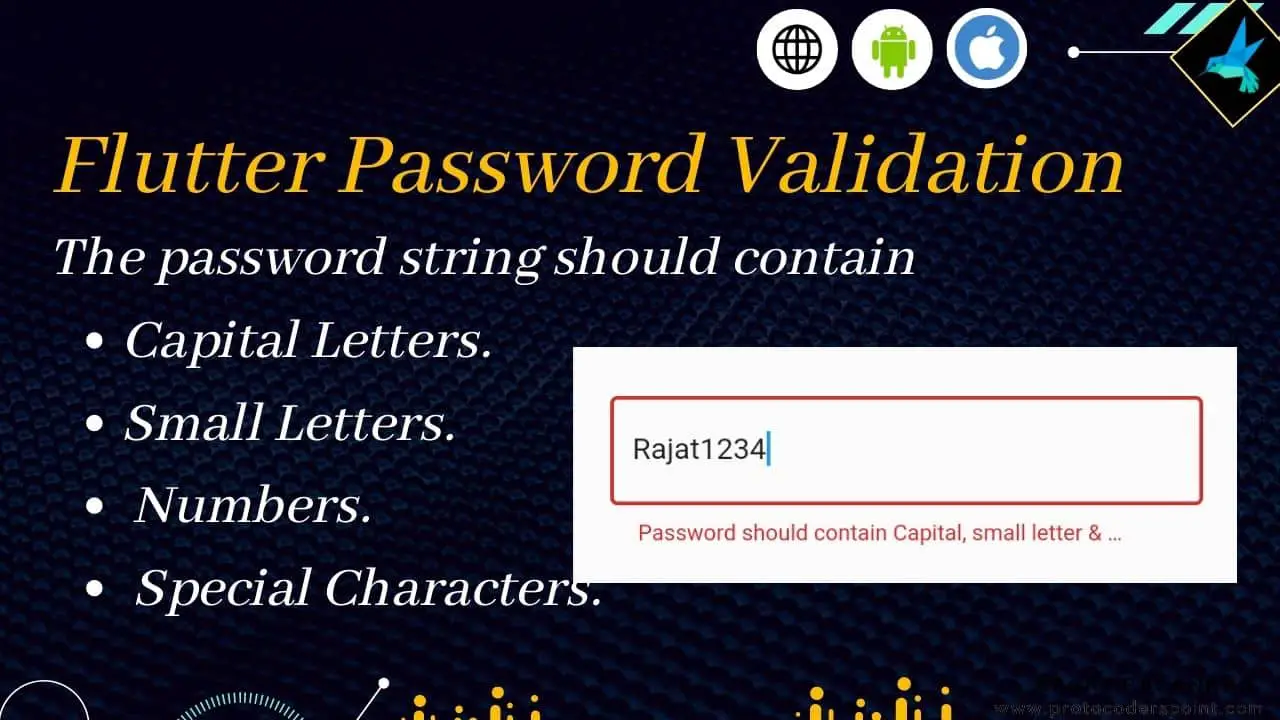
When a user enter’s password it should contain atleast one Capital Letter, Small Letters, Numbers & a special character.
Regular Expression for password validation
Below is regular expression to check a string if it contain atleast one Capital Letter, Small Letters, Numbers & a special character or no
RegExp pass_valid = RegExp(r"(?=.*\d)(?=.*[a-z])(?=.*[A-Z])(?=.*\W)");
Complete Source Code – Password Validation in flutter
Below code is just an Example to validate password field in flutter, So it simply have a form with only one TextField where user can enter password and a button that calls a function to check if entered password validates the RegularExpression.
import 'package:flutter/material.dart';

void main() {
  runApp(const MyApp());
}

class MyApp extends StatelessWidget {
  const MyApp({Key? key}) : super(key: key);

  // This widget is the root of your application.
  @override
  Widget build(BuildContext context) {
    return MaterialApp(
      title: 'Flutter Demo',
      theme: ThemeData(
        primarySwatch: Colors.blue,
      ),
      home: const MyHomepage(),
    );
  }
}

class MyHomepage extends StatefulWidget {
  const MyHomepage({Key? key}) : super(key: key);

  @override
  State<MyHomepage> createState() => _MyHomepageState();
}

class _MyHomepageState extends State<MyHomepage> {
  final _formKey = GlobalKey<FormState>();

  // regular expression to check if string
  RegExp pass_valid = RegExp(r"(?=.*\d)(?=.*[a-z])(?=.*[A-Z])(?=.*\W)");

  //A function that validate user entered password
  bool validatePassword(String pass){
    String _password = pass.trim();

    if(pass_valid.hasMatch(_password)){
      return true;
    }else{
      return false;
    }
  }

  @override
  Widget build(BuildContext context) {
    return Scaffold(
      body: Center(
        child: Form(
          key: _formKey,
          child: Column(
            mainAxisAlignment: MainAxisAlignment.center,
            children: [
              Padding(
                padding: const EdgeInsets.all(20.0),
                child: TextFormField(
                  validator: (value){
                      if(value!.isEmpty){
                        return "Please enter password";
                      }else{
                       //call function to check password
                        bool result = validatePassword(value);
                        if(result){
                          // create account event
                         return null;
                        }else{
                          return " Password should contain Capital, small letter & Number & Special";
                        }
                      }
                  },
                  decoration: InputDecoration(border: OutlineInputBorder(),hintText: "Password"),
                ),
              ),
              ElevatedButton(onPressed: (){
                _formKey.currentState!.validate();
              }, child: Text("Submit form"))
            ],
          ),
        ),
      ),
    );
  }
}
Video Tutorial on youtube
Check out Similar Articles on Validation
Flutter Email Validation using plugin
Flutter Email Validation using Email Regex Pattern