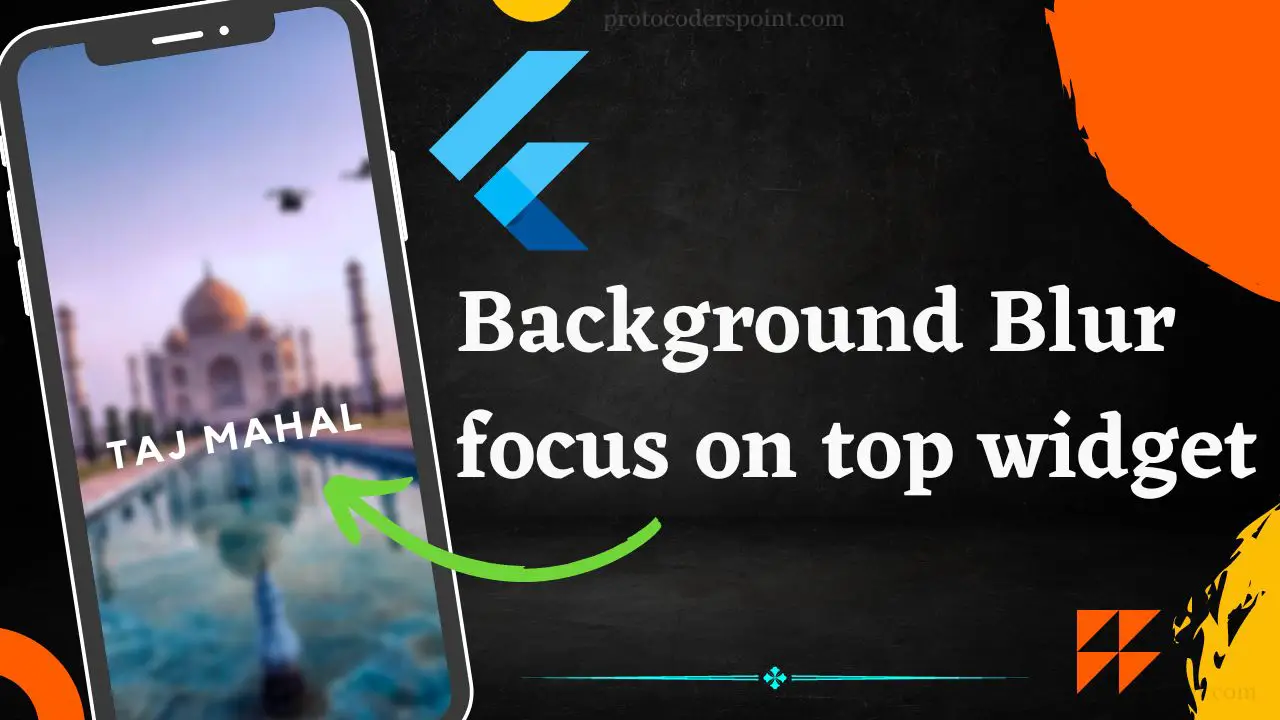
Hi Guy’s Welcome to Proto Coders Point, In this flutter article we will learn how to Blur a background in flutter by using "BackdropFilter" widget with imageFilter.blur property.
Code to Blur Background in flutter
import 'dart:ui';

import 'package:flutter/material.dart';

void main() {
  runApp(MyApp());
}

class MyApp extends StatelessWidget {
  @override
  Widget build(BuildContext context) {
    return MaterialApp(
      home: Scaffold(
        body: Stack(
          children: [
            // Background widget
            Image.asset(
              'assets/background_image.jpg',
              fit: BoxFit.cover,
              width: double.infinity,
              height: double.infinity,
            ),

            // BackdropFilter to blur the background
            BackdropFilter(
              filter: ImageFilter.blur(sigmaX: 5, sigmaY: 5),
              child: Container(
                color: Colors.black.withOpacity(0.5), // Adjust the opacity as needed
              ),
            ),

            // Content widget
            Center(
              child: Text(
                'Hello, World!',
                style: TextStyle(fontSize: 30, color: Colors.white),
              ),
            ),
          ],
        ),
      ),
    );
  }
}
Output

The Above Code Explanation to blur a background in flutter
- Use a Stack widget as root widget. By using
Stackwidget we can stack multiple widget on top on each other. - Add a Image widget as a first child of the
Stack. This will be backgroud widget that will get blurred. - Use
BackdropFilterwidget. TheBackdropFilterwidget applies a filter to the widget that come behind it. - Set the
filterproperty of theBackdropFilterwidget to theImageFilter.blurconstructor, specifying the amount of blur you want. You can adjust thesigmaXandsigmaYvalues to control the blur intensity.
Video Tutorial